Stop typing applications. Start approving them.
Swipe right on a real opening. HireDeck writes a resume and cover letter for that job, then fills in the employer’s own application form once you approve.
Swipe and draft for freePay from 9¢ per sent application
Sound familiar?
The job hunt turned into a second job.
If you’re still filling forms, rewriting resumes, and tracking applications by hand, this is the part that burns your evenings.
How it works
From resume to submitted, without the retyping.
Four steps between you and a day’s worth of quality applications.
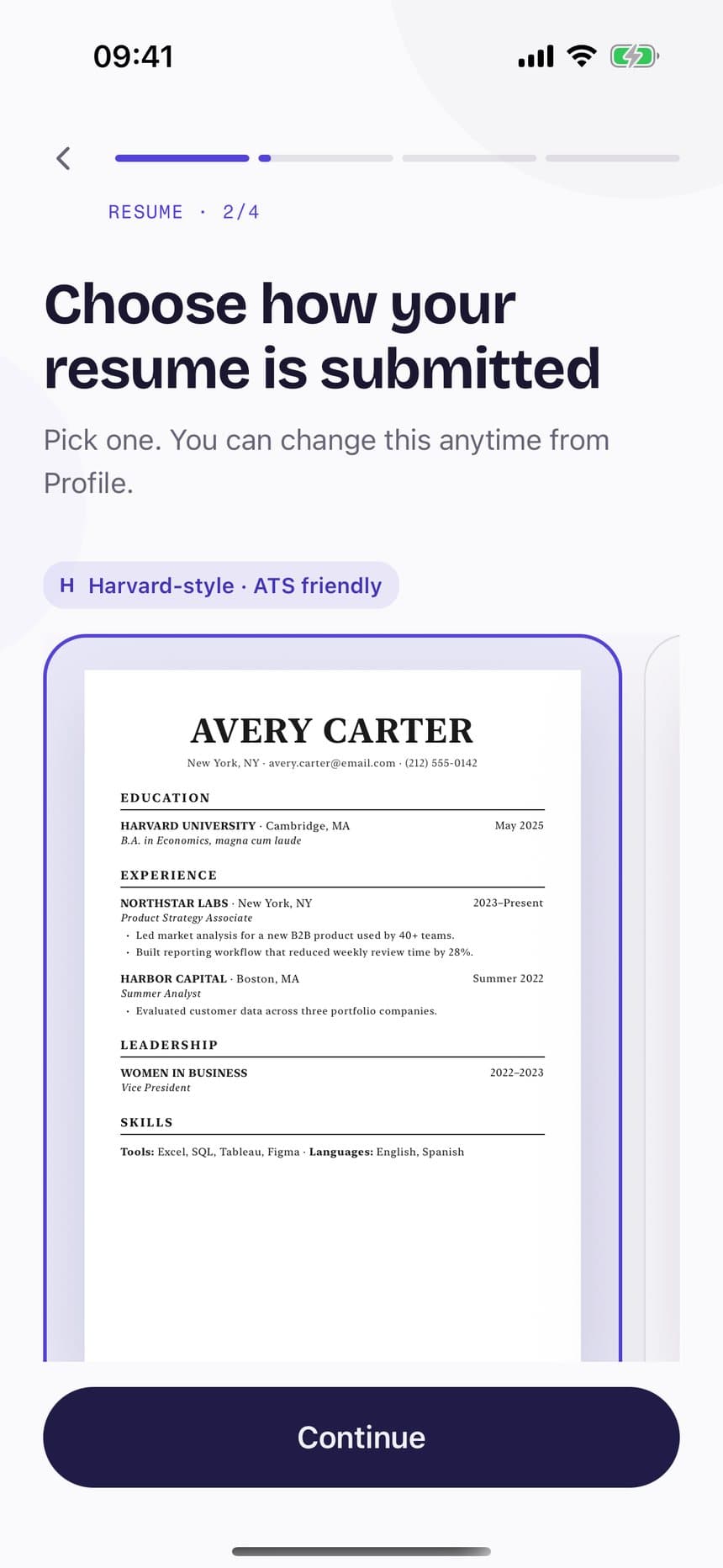
Upload your resume
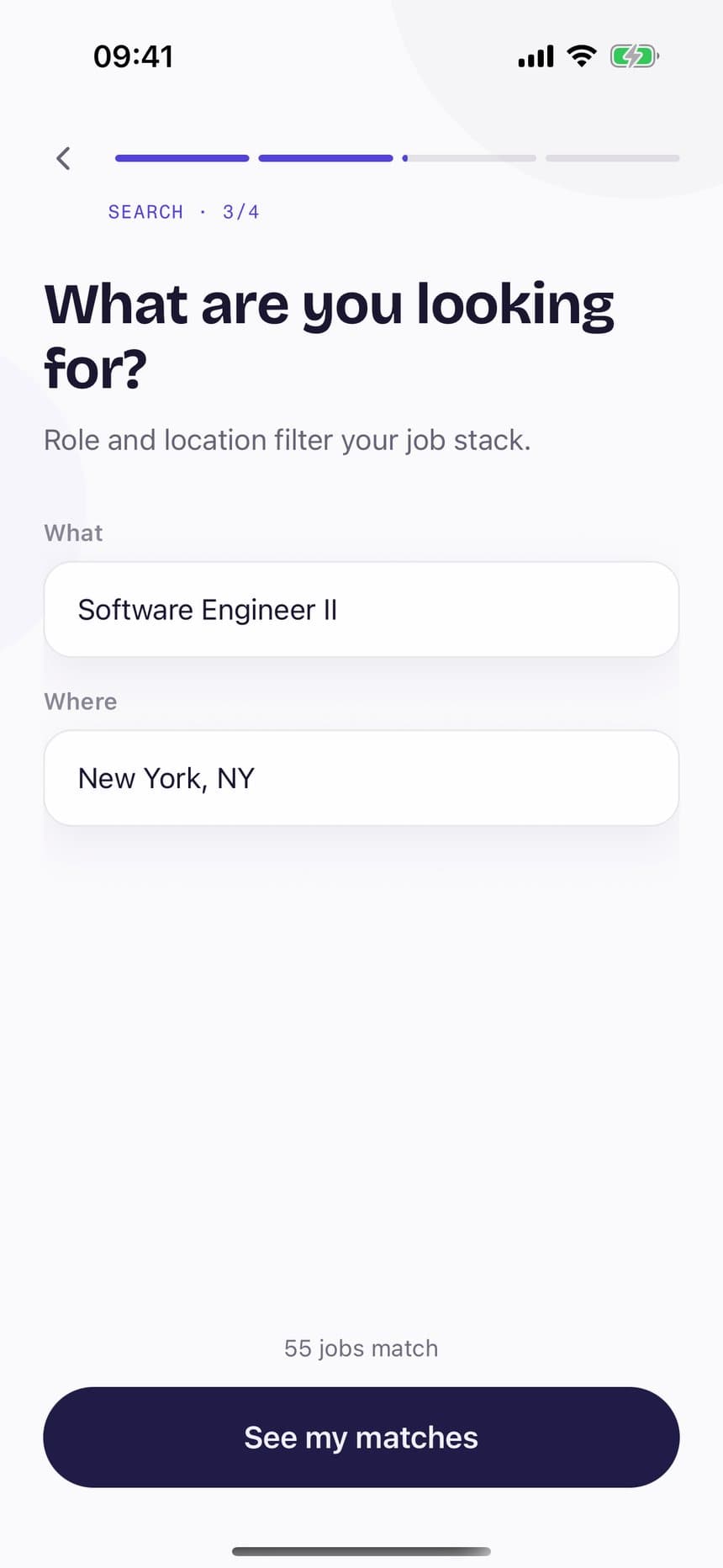
PDF or DOCX. Tell it what you want from your next job, and every cover letter is written in that tone. Your role and city filter the deck.
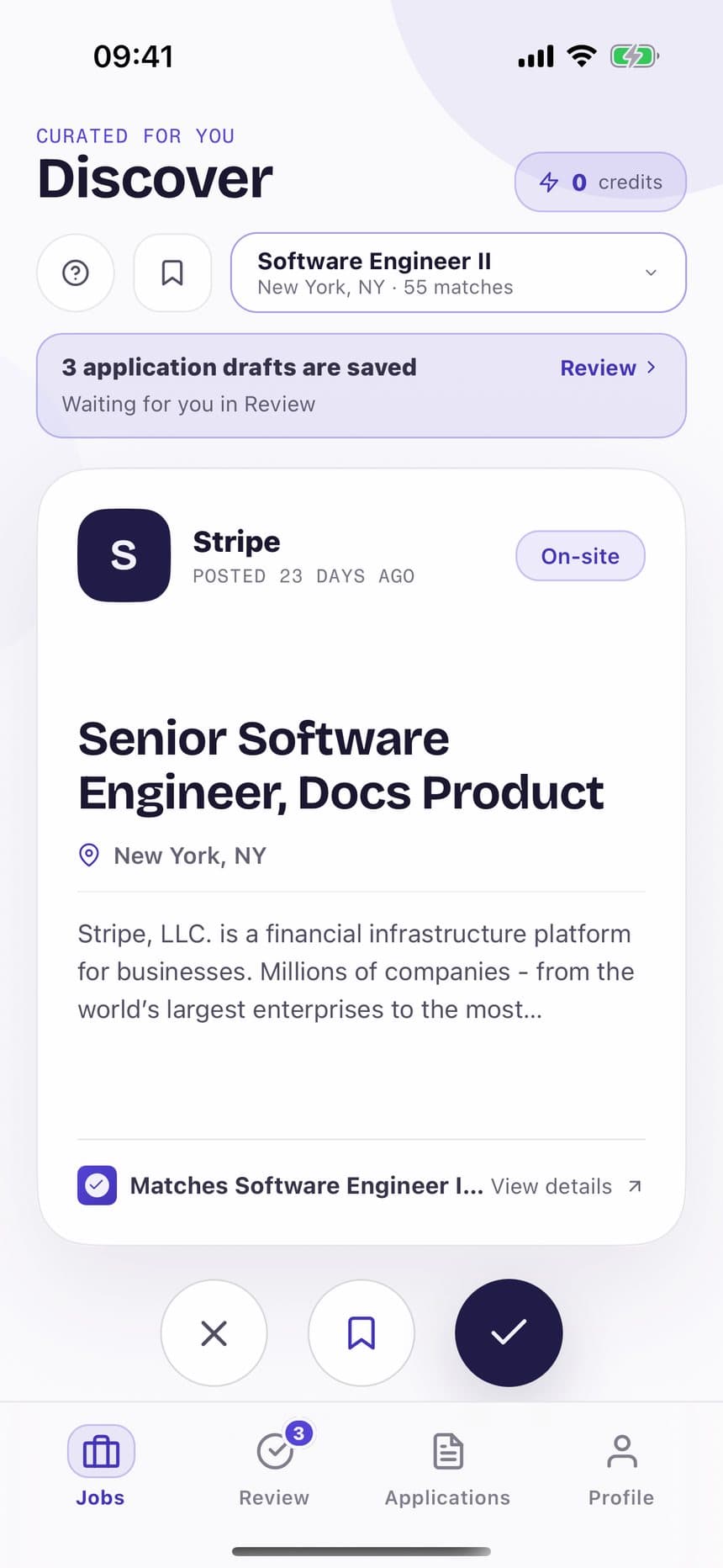
Swipe real openings
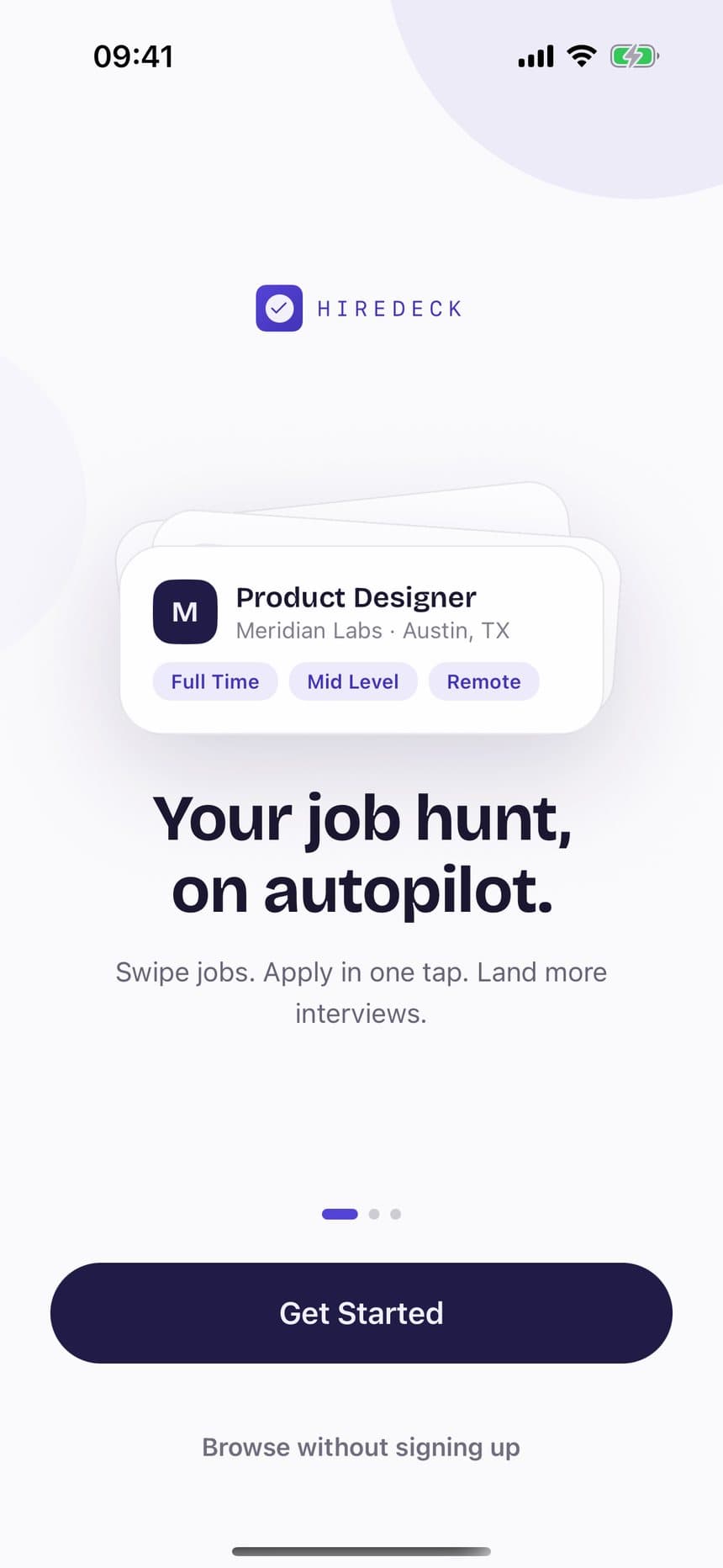
Fresh openings from companies' own career pages. Right to apply, left to pass, up to save for later.
AI tailors, you approve
Each right swipe gets a resume and cover letter written for that exact job. By default it waits in Review until you approve it.
We submit the real form
HireDeck fills in the employer's actual application on Greenhouse, Lever, or Ashby and shows its status: Applied, Queued, or Error.
What you get
From a right swipe to the employer’s own form.
Job boards hand you a link. HireDeck writes the documents, fills the Greenhouse, Lever, or Ashby form, and tracks the result.
A new resume and cover letter for every job. Written from yours, tuned to the posting.
Every draft starts from the resume you uploaded, then gets rewritten for that specific job description.
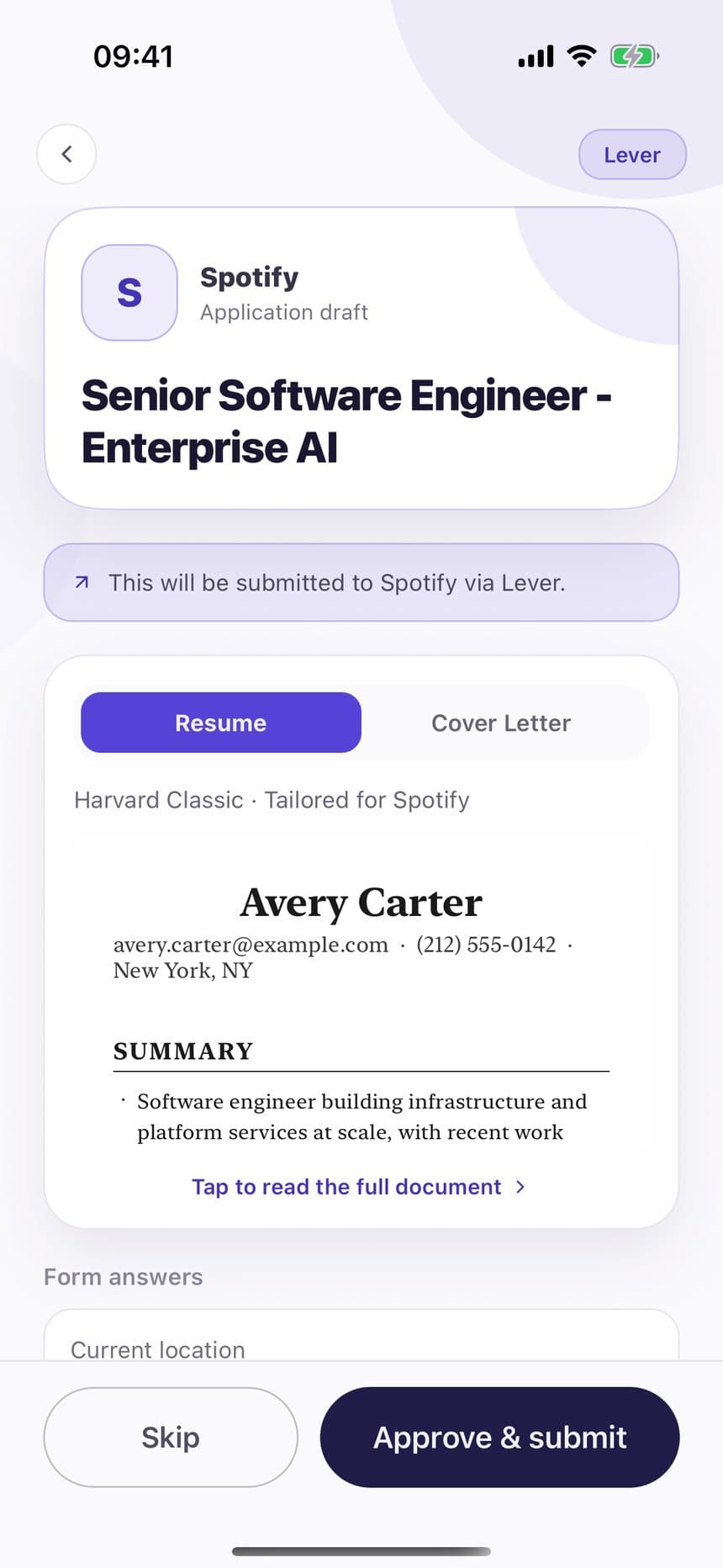
By default, nothing sends until you approve it. Prefer hands-off? Turn on auto-send in Settings.
It’s your name on the application. Skim the documents, edit anything, then send it or hold it. Auto-apply with a human in the loop.
Learn more →We fill the employer’s actual form, on their own career page.
It lands in the same hiring system the recruiter reviews applications in.
- GreenhouseSupported
- LeverSupported
- AshbySupported
Jobs on unsupported systems never enter your deck, so every card is one HireDeck can apply to.
Learn more →Every application, one clear status. Applied means the employer’s form accepted it.
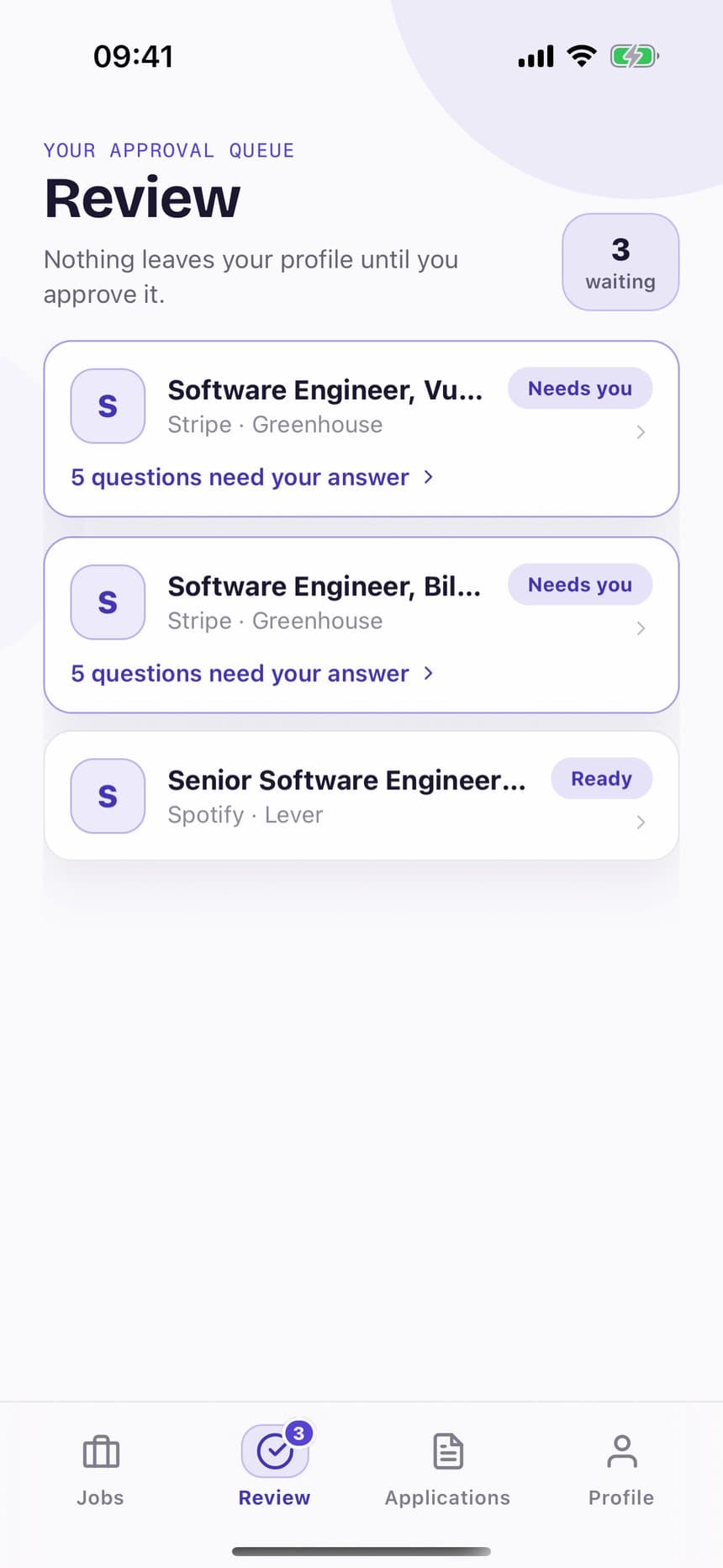
The tracker shows what actually happened. If something needs a human, it tells you exactly what to finish.
Learn more →Why HireDeck
The same application, three ways.
What actually changes when the busywork is handled for you.
| HireDeck | Chatbots (ChatGPT etc.) | By hand | |
|---|---|---|---|
| Where it lands | ✓The employer’s real form, submitted for you | You still fill the form yourself | The form, eventually |
| Tailored resume & cover letter | ✓Automatic, per job | ✓With prompting and copy-paste | ✗One generic resume |
| Real openings built in | ✓Synced from company career pages | ✗Bring your own tabs | ✗Job boards, duplicates and all |
| You approve before send | ✓Built in by default; auto-send is opt-in | ✓You are the whole pipeline | ✓Naturally |
| Application tracking | ✓Automatic: Applied, Queued, or Error | ✗Manual | ✗A spreadsheet you’ll abandon |
| What each application takes | One swipe, then a quick review | Prompting, then copy-paste into the form | Every field, typed by you |
Some applications need a human, like a salary or legal-consent question. Those show up as “Needs you”, never skipped.
Inside the app
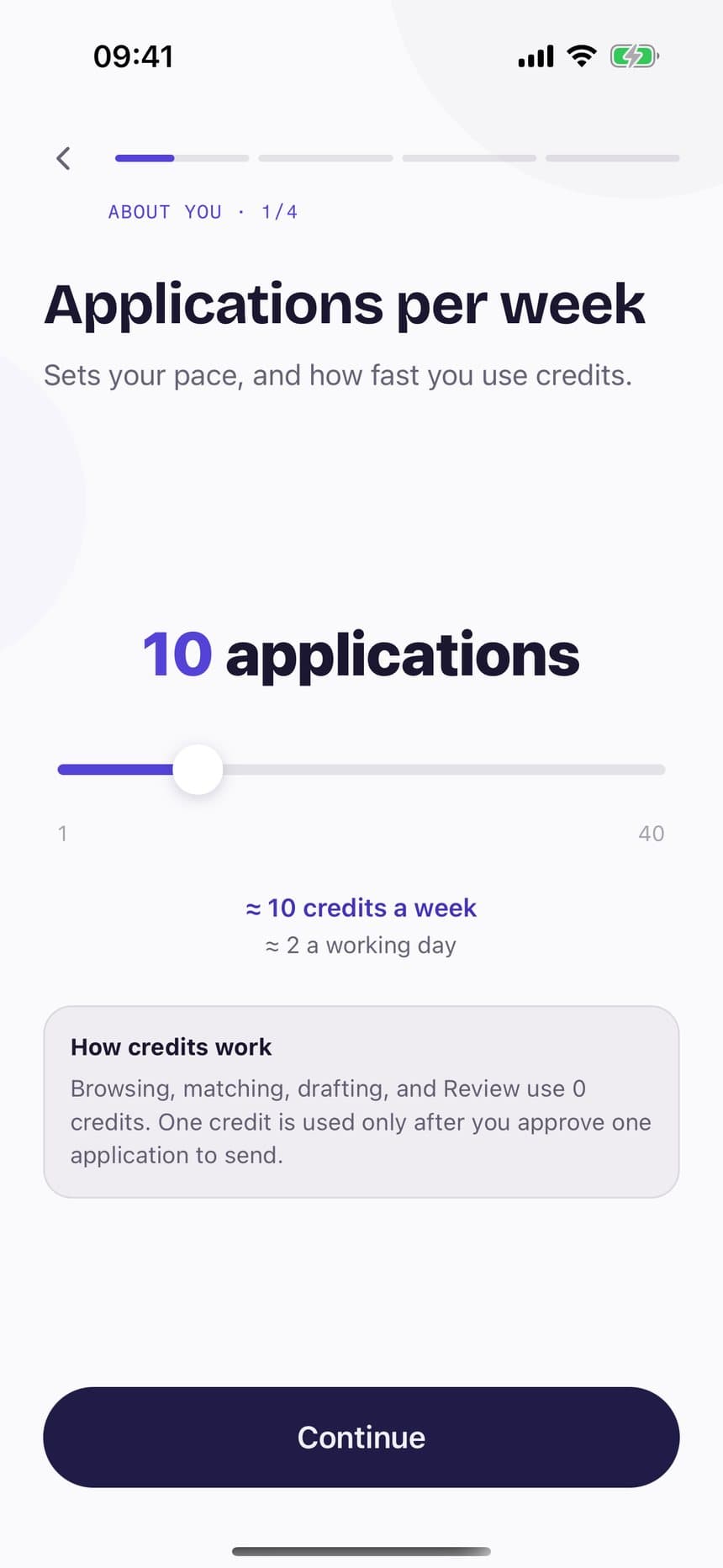
The app, screen by screen.
Captured from the iPhone app.

Get HireDeck for iPhone
Free download. Upload your resume once, set your role and city, and start swiping real openings.
App Store
Guides
Straight answers to what job seekers search for.
Each guide covers one question and how HireDeck handles it.
How to auto-apply to jobs without spamming recruiters
Automation done right: real company applications, tailored documents, and a human in the loop.
Read the guide →CategoryTinder for jobs: how swipe-to-apply actually works
What happens after the right swipe — and why the swipe model beats endless job-board tabs.
Read the guide →Honest answerDoes auto-applying to jobs actually work?
Why Reddit is full of auto-apply horror stories, what the tools get wrong, and what has to be true for it to work.
Read the guide →AI writingAI-tailored resumes & cover letters for every application
Why one generic resume loses to fifty tailored ones — and how per-job AI drafting works.
Read the guide →StrategyHow many jobs should you apply to per day?
The research-backed number, when volume helps, when it hurts, and how to hit your target in minutes.
Read the guide →Under the hoodOne-tap apply on Greenhouse, Lever & Ashby
How HireDeck completes real employer forms — and why unsupported jobs never reach your deck.
Read the guide →OrganizationHow to track your job applications without a spreadsheet
Applied, queued, or needs attention — an honest tracker beats a spreadsheet you'll abandon.
Read the guide →RoundupBest auto-apply job apps in 2026, compared
Bulk autofill, broad matching, or tailored-and-submitted — six tools, three different bets, laid out honestly.
Read the guide →Trust & safetyIs it safe to use an auto-apply job app?
The real risk is not "getting caught" — it is what an automated tool does when a form pushes back.
Read the guide →ResumeHow to get your resume past ATS screening
What an applicant tracking system actually does with your resume — and the formatting mistakes that quietly break it.
Read the guide →WellbeingHow to avoid job search burnout without giving up
Rejection in a job search is public and constant in a way most goals never are. Here is why that wears people down, and what actually helps.
Read the guide →StrategyHow to job search while working full-time
You have less time, more discretion to manage, and no room for a search that takes over your evenings.
Read the guide →ResumeDo you still need a cover letter in 2026?
The honest answer is split: some applications need one, some barely register it. Here is how to tell which is which.
Read the guide →FAQ
Questions before you download.
What is an auto-apply job app?
Is there a Tinder for jobs?
Does auto-applying to jobs actually work?
Does the AI write a new resume and cover letter for every job?
How many jobs should I apply to per day?
Which sites does HireDeck apply on?
How do I track my job applications?
Is HireDeck free?
Your next application is a right swipe away.
Upload your resume once and swipe real openings tonight. Approve the drafts you like, and HireDeck fills in the forms.
Download HireDeck